
Best Affiliate Software for WooCommerce in 2026: 10 Tools Compared
Affiliate marketing is one of the most effective ways to boost sales for a WooCommerce store. Choosing the right affiliate software for WordPress & WooCommerce helps track referrals, manage payouts, and automate commissions, making it easier to grow your partnership program.

WooCommerce store owners can run an affiliate program with either a WordPress plugin installed on the store or a separate affiliate-management platform connected to WooCommerce. Both approaches can track referrals and commissions, but they differ significantly in scalability, data storage, integrations, partner experience and operational control.
This guide compares ten credible WooCommerce affiliate tools across both categories. Tracknow is listed first because its WooCommerce plugin connects the store to a broader affiliate platform with real-time reporting, flexible commission rules, coupon and lifetime tracking, sub-affiliates and payout-management workflows. The remaining product headings are neutral because each option fits a different store size and technical model.

What Is WooCommerce?
WooCommerce is an open-source ecommerce plugin for WordPress. It turns a WordPress website into a store that can manage products, carts, checkout, orders, customers, taxes, shipping and payment integrations. Extensions can add subscriptions, bookings, memberships, product bundles and other business models.

The WooCommerce core is free to install, but running a store is not cost-free. A merchant still needs hosting, a domain, maintenance, security, backups and potentially paid themes, extensions and payment services. Affiliate software should therefore be evaluated as part of the total store stack rather than only by its license price.
How WooCommerce Affiliate Tracking Works
The normal referral journey has five stages:
- An affiliate shares a tracked link, assigned coupon, landing page or other approved promotion.
- The store or connected platform records the affiliate identifier and permitted campaign parameters.
- The customer places an order through WooCommerce.
- The integration sends the order ID, commissionable value, currency, product information and affiliate identifier to the affiliate system.
- The commission moves through pending, approved, rejected, reversed and paid states as the WooCommerce order changes.
The fifth step is where many basic implementations fail. Recording a thank-you page is not enough if the order is later cancelled, refunded or charged back. The integration should map the relevant WooCommerce statuses and preserve an adjustment history instead of deleting the original conversion.
Tracknow’s guide to affiliate links and tracking explains how referral parameters and conversion events connect. Store owners should also decide which system is authoritative for order value: WooCommerce should normally remain the source of truth for products, discounts, refunds, tax and shipping.
WordPress Plugin or SaaS Affiliate Platform?
| Question | Native WordPress plugin | Connected SaaS platform |
|---|---|---|
| Where does administration happen? | Mainly inside WordPress | In a separate partner platform |
| Typical starting point | One WooCommerce site and a direct program | One or more stores, brands or partner types |
| Data and infrastructure | More depends on the merchant’s WordPress database and hosting | Tracking and partner operations use the vendor’s service |
| Customization | WordPress hooks, templates and add-ons | Platform settings, APIs, webhooks and vendor-supported integrations |
| Maintenance | Merchant manages plugin compatibility, updates and backups | Vendor runs the platform; merchant still maintains the store connector |
| Complex commissions | Varies by plugin and paid add-ons | Often broader, but must be tested against exact rules |
| Expansion beyond WooCommerce | Usually tied to WordPress | Can centralize other stores, CRMs, apps or offline events |
| Best fit | Simple or WordPress-centered programs | Growth, multi-brand, network or cross-channel programs |
Neither architecture is automatically more accurate. Accuracy depends on the integration, order-status mapping, test coverage and commission definitions. A lightweight plugin can serve a straightforward store well, while a powerful SaaS platform can be misconfigured.
How We Evaluated the WooCommerce Affiliate Tools
The comparison uses practical ecommerce criteria rather than vendor popularity alone:
- WooCommerce integration: how referrals and order changes reach the affiliate system.
- Commission control: percentage, fixed, product, category, affiliate-specific, lifetime, recurring, tiered or multi-level rules.
- Coupon attribution: whether a coupon can identify an affiliate and how conflicts with links are resolved.
- Order lifecycle: pending orders, cancellations, partial refunds, full refunds and chargebacks.
- Partner operations: applications, dashboards, creatives, reports, communication and payouts.
- Scale: several stores, brands, currencies, languages, teams or non-WooCommerce conversion sources.
- Technical ownership: plugin updates, hosting load, API access, logs, troubleshooting and data portability.
Public prices and trials are not used as ranking criteria. Plans, add-ons, payment fees and renewal terms change, and a low base price can omit the feature that the program actually requires.
Quick Comparison of WooCommerce Affiliate Software
| Product | Type | Best fit | Notable WooCommerce consideration |
|---|---|---|---|
| Tracknow | SaaS with WooCommerce plugin | Growing, complex and multi-channel programs | Order-status sync, coupons, lifetime and broader commission logic |
| AffiliateWP | Native WordPress plugin | WordPress-centered stores wanting broad built-in features | Check which feature belongs to each license or add-on |
| Affiliate for WooCommerce | Native WooCommerce extension | Merchants wanting administration inside WooCommerce | Validate attribution and payout requirements |
| Solid Affiliate | Native WordPress plugin | Direct WooCommerce programs | Self-hosted maintenance and extension compatibility |
| SliceWP | Native WordPress plugin | Stores wanting a guided WordPress workflow | Advanced capabilities may depend on paid features |
| YITH WooCommerce Affiliates | Native WooCommerce plugin | Stores already using the YITH ecosystem | Some payouts and subscription functions need other plugins |
| Post Affiliate Pro | External affiliate platform | Direct programs needing a separate partner system | Test the WooCommerce module and order updates |
| Tapfiliate | SaaS with WordPress integration | Ecommerce and subscription programs | Custom checkout compatibility needs testing |
| Trackdesk | SaaS with WooCommerce plugin | Stores wanting an external affiliate dashboard | Current plugin documents limits around conversion types and custom checkout |
| WP Affiliate Manager | Native WordPress plugin | Small programs with basic requirements | Verify current add-ons, reports and payout workflow |
10 Best Affiliate Software Tools for WooCommerce
1. Tracknow — Best Overall WooCommerce Affiliate Software
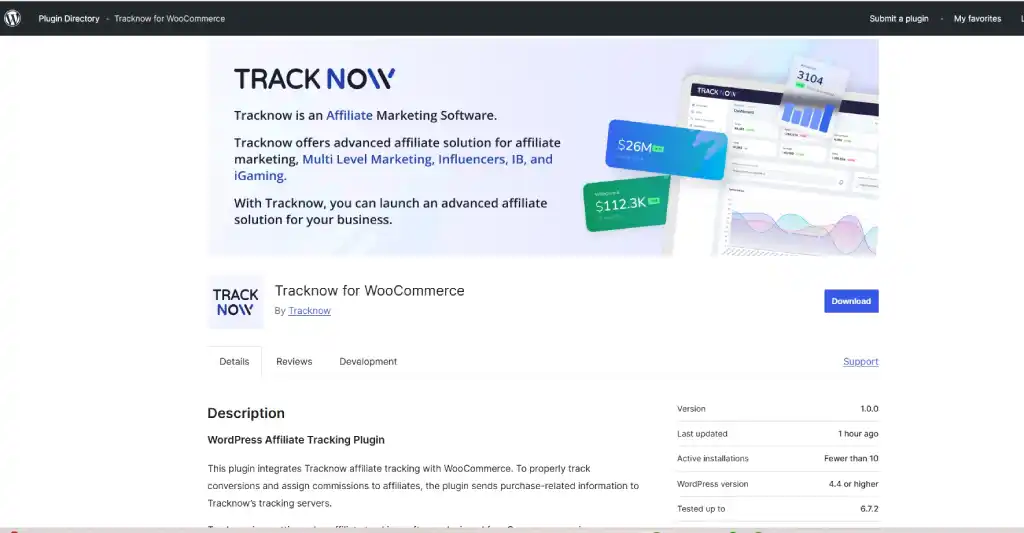
Tracknow uses a WordPress plugin to send WooCommerce purchase and affiliate information to the Tracknow platform. This provides native store connectivity without limiting affiliate administration to the WordPress backend. The integration can support referral links, multiple coupons, lifetime tracking and order-status-based conversion updates, while the wider platform manages partners, reports, commission rules and payouts.
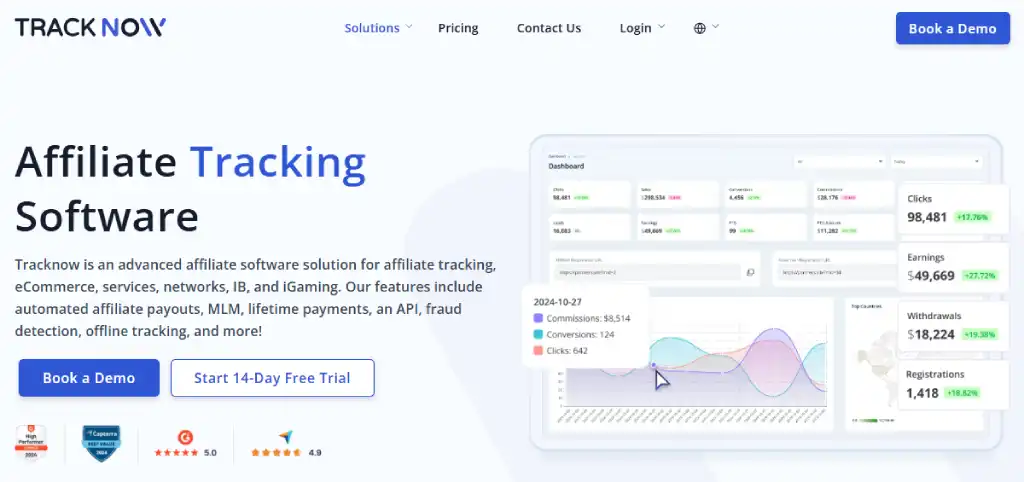
Tracknow is especially relevant when a merchant needs more than a simple percentage of each order. Its platform supports multiple affiliate commission models, product or category logic, personal rates, tiers, lifetime relationships, coupons, sub-affiliates and hybrid structures. A store can also work with publishers, creators and other partners in the same system.
Core WooCommerce capabilities:
- Tracknow for WooCommerce plugin available through WordPress.org.
- Purchase events connected to affiliate and click identifiers.
- Multiple coupon detection and coupon-based attribution.
- Conversion status updates based on order status.
- Lifetime tracking that can be disabled when the program does not need it.
- Affiliate dashboards, creatives, reporting, invoicing and payment workflows.
- API access and expansion to other websites, CRMs or conversion sources.
The WordPress plugin documentation states that purchase-related order and affiliate data is sent to Tracknow’s tracking servers and that sensitive payment information is not transmitted. The merchant should still review its privacy notice, consent model and data-retention requirements.
Best fit: stores that expect complex commissions, many affiliates, several brands or channels, sub-affiliate structures or integrations beyond WooCommerce. Verify: custom checkout behavior, subscription-renewal requirements, commissionable order-value rules and the exact payment method your finance team will use.
2. AffiliateWP
AffiliateWP is a self-hosted WordPress affiliate-management plugin with a direct WooCommerce integration. Its current public features include referral links, affiliate coupons, custom landing pages, direct-link tracking, dashboards, commission rules, payouts and reports. Because administration and much of the data remain within WordPress, it appeals to merchants that want a WordPress-native operating model.
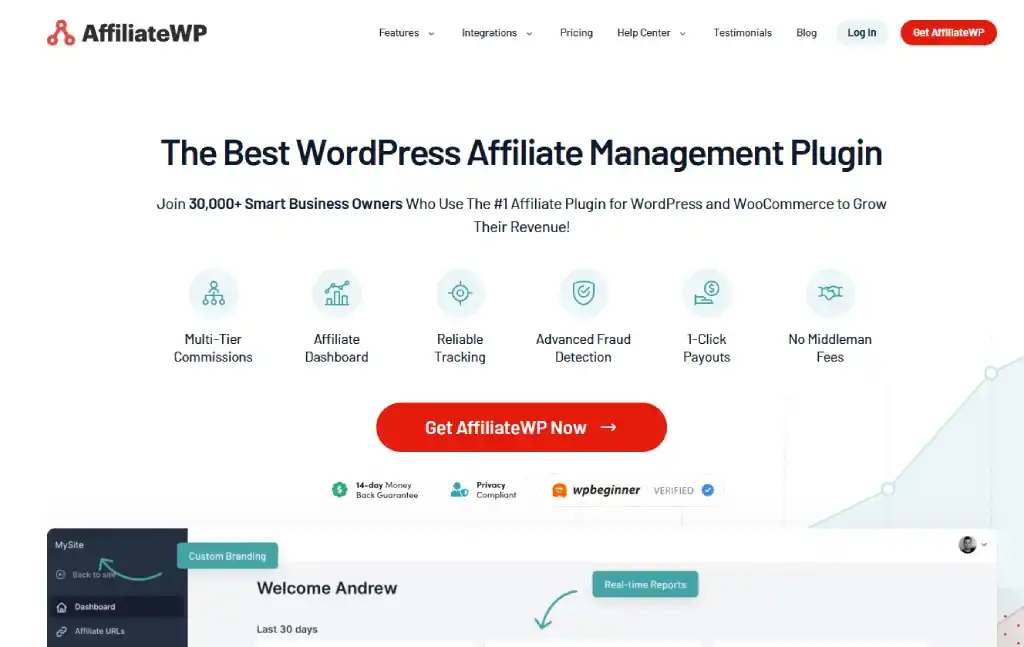
Best fit: established WordPress stores that want a broad native plugin. Verify: which license includes recurring, tiered, lifetime, multi-level, payout and fraud-related features; database growth; and compatibility with the store’s checkout, subscriptions and other plugins.
3. Affiliate for WooCommerce
Affiliate for WooCommerce is sold through the WooCommerce Marketplace and is intended to keep program management close to the store. It supports affiliate registration and administration, referral and commission workflows, campaigns and WooCommerce order-based reporting.
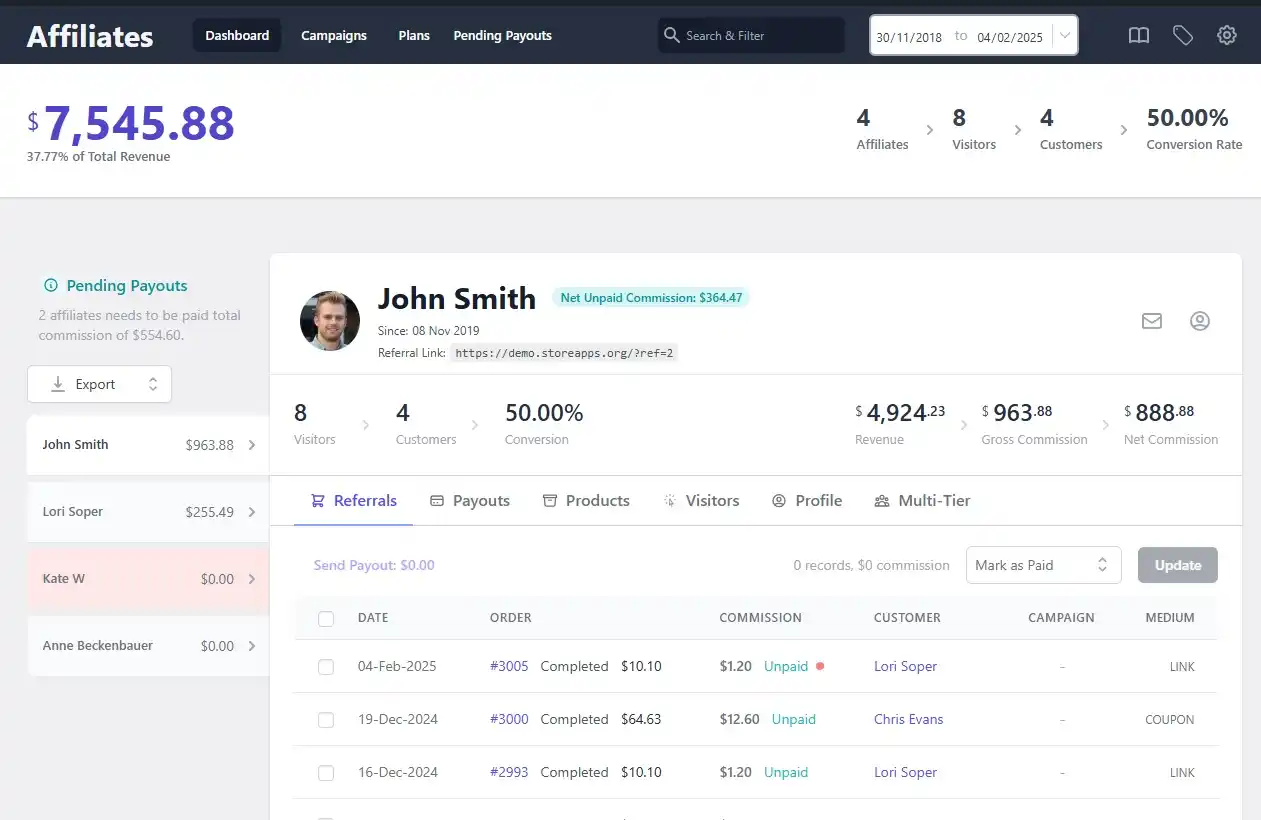
Best fit: small and medium-sized merchants that prefer a WooCommerce-admin workflow. Verify: coupon priority, partial refunds, recurring orders, product exclusions, payout automation and the reporting experience available to affiliates.
4. Solid Affiliate
Solid Affiliate is a WordPress plugin built around WooCommerce affiliate programs. Public product materials emphasize setup inside WordPress, affiliate registration and portals, referral tracking, commission configuration, coupons, reports and payouts.
Best fit: merchants that want a self-hosted WooCommerce-focused tool without adopting a separate enterprise platform. Verify: the current license and add-on structure, recurring-order behavior, multi-currency needs, external integrations and how reversals are represented.
5. SliceWP
SliceWP integrates directly with WooCommerce and offers affiliate coupons, sitewide and affiliate-specific rates, product and variation commissions, customer-to-affiliate assignment for future purchases, reports, registration and optional payout or multi-level features.
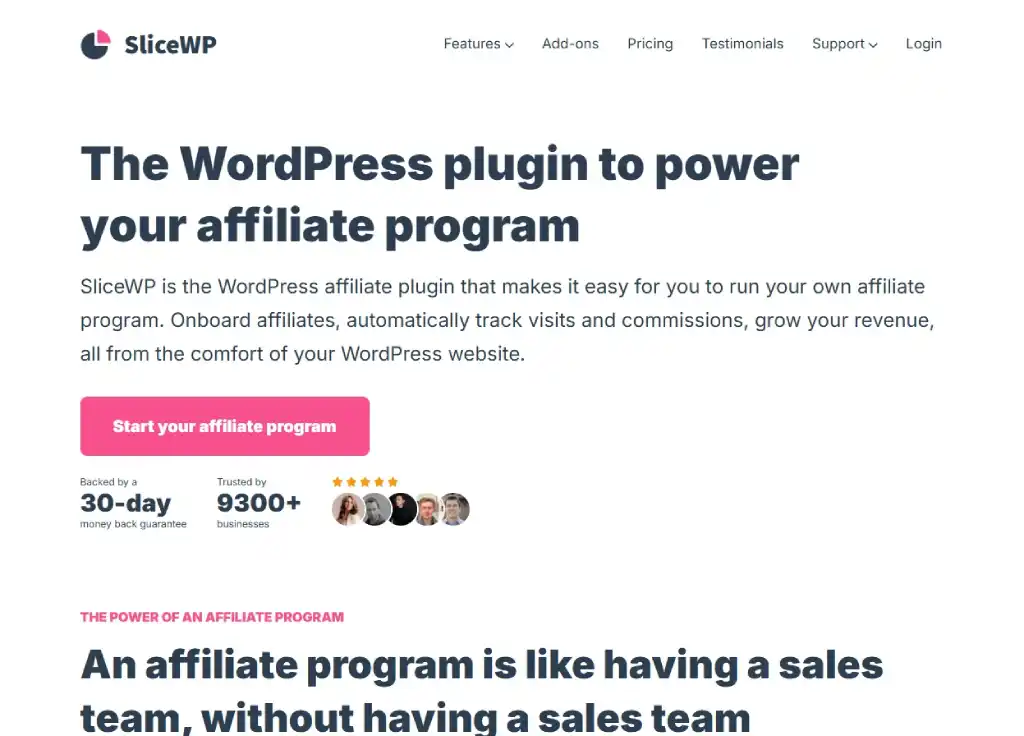
Best fit: smaller WooCommerce stores seeking a guided WordPress-native setup and room to add more features. Verify: which capabilities require a premium plan or add-on, payment coverage, refund synchronization and compatibility with the rest of the plugin stack.
6. YITH WooCommerce Affiliates
YITH WooCommerce Affiliates supports affiliate registration, referral cookies, commissions by affiliate, role, product or category, coupon assignment, dashboards and refund adjustments. It can work with other YITH products for automated payments, account funds and subscription-renewal commission.
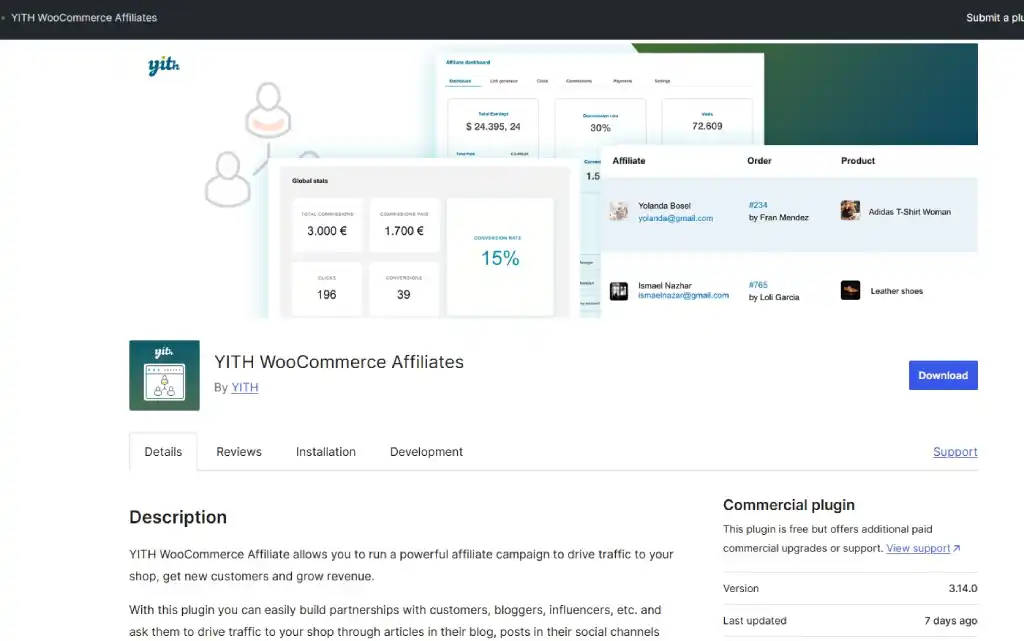
Best fit: WooCommerce stores already invested in YITH extensions. Verify: which features require the premium version or another paid YITH plugin, multi-currency compatibility, renewal behavior and payment-service availability.
7. Post Affiliate Pro
Post Affiliate Pro is an external affiliate platform with a documented WooCommerce integration method. It can provide a separate partner-management environment while the store remains in WooCommerce.
Best fit: direct programs that want a dedicated affiliate application outside the WordPress admin. Verify: the current WooCommerce module, order-status updates, coupons, subscriptions, refunds, supported payment workflows and any technical changes needed for custom checkout.
8. Tapfiliate
Tapfiliate documents a WooCommerce integration for order-based commission, coupon conversion, lifetime commission, recurring subscriptions, refunds, disputes, product categories and currency. It is a SaaS option for merchants that want partner administration outside WordPress.
Best fit: ecommerce and subscription stores with a supported standard WooCommerce flow. Verify: its documented one-store limitation for this integration, custom checkout compatibility, recurring billing setup and the commission types required by the program.
9. Trackdesk
Trackdesk provides a WooCommerce plugin that records affiliate traffic and updates conversions according to order status. Its help documentation also describes recurring charges through WooCommerce Subscriptions.
Best fit: merchants seeking a separate SaaS affiliate dashboard with a WordPress connector. Verify: the documented single-conversion-type requirement, percentage-payout setup, custom checkout limitations, recurrence configuration and the effect of third-party checkout plugins. See the wider Tracknow and Trackdesk comparison before shortlisting.
10. WP Affiliate Manager
WP Affiliate Manager is a WordPress plugin for affiliate registration, referral tracking and commission management. It can be considered when the program is small and the merchant prefers a basic WordPress-centered setup.
Best fit: small programs with straightforward tracking and commission needs. Verify: the current WooCommerce integration, active maintenance, order-status behavior, reports, coupon attribution, payment workflow and compatibility with modern WordPress and WooCommerce versions.
How to Choose the Right WooCommerce Affiliate Tool
Choose by program complexity
A single-store program paying one percentage on completed orders may be handled well by a native plugin. A store with category rates, personal deals, creators, coupons, recurring products, sub-affiliates, several domains or non-WooCommerce conversions is more likely to benefit from a platform architecture.
Define commissionable order value
Do not calculate commission from an undefined “order total.” Decide whether the base excludes:
- tax;
- shipping;
- discounts and store credit;
- gift cards;
- excluded products or categories;
- refunded items;
- payment or marketplace fees.
Commissionable order value = gross product value − excluded discounts − excluded items − refunds and other contractually excluded amounts.
Commission = commissionable order value × affiliate rate.
Test coupons and link conflicts
A shopper may click Affiliate A’s link and enter Affiliate B’s coupon. The program must define which signal wins. Test multiple coupons, coupon removal, manually created orders and coupons stored by third-party promotion plugins.
Check subscriptions and future purchases
Recurring commission and lifetime commission are different. Recurring commission rewards eligible renewal orders. Lifetime commission assigns the customer’s future purchases to an affiliate. Confirm how guest checkout, customer-account changes, failed renewals, subscription upgrades, pauses and cancellations affect assignment.
Review hosting and database impact
A native plugin shares resources with the WordPress store. Ask how clicks, visits and reports affect database size, scheduled tasks and backups. For a SaaS connector, ask which requests are made during checkout, what happens if the external service is temporarily unavailable and whether failed conversions can be retried.
Compare the complete cost
Include the base license or subscription, necessary add-ons, additional sites, affiliate or conversion limits, payment fees, onboarding, developer time, support, migration and annual renewal. A cheaper plugin can become expensive if several extensions and significant maintenance are required.
WooCommerce Affiliate Program Setup
- Define the payable result: completed order, approved order, new customer, subscription renewal or another event.
- Set commission rules: rate, products, categories, customer eligibility, attribution window, coupon priority and personal deals.
- Write program terms: traffic sources, brand bidding, coupon distribution, disclosure, returns, self-referrals and payout schedule.
- Install the plugin or connector: use a staging environment first and follow the vendor’s current instructions.
- Configure order statuses: decide when commission becomes pending, approved, rejected or reversed.
- Create affiliate resources: links, product feeds, banners, landing pages, coupons and campaign guidance.
- Test edge cases: guest checkout, mobile, multiple coupons, partial refund, full refund, cancelled order and subscription renewal.
- Launch with a small group: monitor data before recruiting at scale.
- Reconcile the first payout: compare WooCommerce orders, affiliate ledger and finance export.
A specialist affiliate manager should own partner recruitment and communication, but implementation also needs input from ecommerce, finance, privacy and technical teams.
Pre-Launch Testing Checklist
- A normal referral link followed by a completed order.
- A purchase after the shopper returns within the attribution window.
- A direct-link or landing-page referral if supported.
- An assigned affiliate coupon without an earlier click.
- A conflict between a link and another affiliate’s coupon.
- Two coupons applied to one order.
- A guest order and a logged-in customer order.
- An excluded product and a mixed eligible/ineligible cart.
- Tax, shipping, discounts and store credit.
- A pending order that becomes completed.
- A failed, cancelled or duplicate order.
- A partial refund and a full refund.
- A subscription renewal and failed renewal where relevant.
- A later purchase by a customer assigned for lifetime commission.
- A conversion created through the custom checkout used on the live store.
Compare each test in WooCommerce, the administrator report and the affiliate dashboard. The values, currency, order ID, partner and status should agree. Do not launch because a click counter increased; verify the complete financial lifecycle.
Metrics for a WooCommerce Affiliate Program
| Metric | Formula | Why it matters |
|---|---|---|
| Conversion rate | Approved orders ÷ valid affiliate clicks | Measures traffic and landing-page fit |
| Approval rate | Approved orders ÷ recorded affiliate orders | Exposes cancellations, fraud and low-quality traffic |
| Average order value | Approved affiliate revenue ÷ approved affiliate orders | Shows basket value by partner and placement |
| Affiliate EPC | Approved affiliate commission ÷ valid clicks | Helps partners compare campaign value |
| Effective acquisition cost | Commission and variable program cost ÷ new approved customers | Measures the store’s real acquisition cost |
| Refund rate | Refunded affiliate order value ÷ recorded affiliate order value | Tests durability of attributed revenue |
| New-customer share | New affiliate customers ÷ approved affiliate customers | Separates acquisition from coupon interception |
| Contribution return | Affiliate contribution profit ÷ total affiliate program cost | Accounts for margin differences between products |
Segment performance by affiliate, sub-ID, coupon, product, category, geography, device and first-time versus returning customer. Revenue alone can reward partners that promote low-margin or heavily refunded products.
Common Mistakes
- Calling WooCommerce completely free while ignoring hosting, extensions and maintenance.
- Assuming every affiliate program pays only for sales.
- Approving commission as soon as the checkout confirmation page loads.
- Paying commission on tax, shipping or excluded products unintentionally.
- Failing to reverse commission after partial refunds or chargebacks.
- Not defining whether a coupon overrides an affiliate link.
- Installing a plugin directly on production without testing checkout compatibility.
- Assuming a subscription plugin automatically creates recurring affiliate commission.
- Collecting more customer data than the affiliate system needs.
- Comparing base prices without required add-ons or operational costs.
WooCommerce Alternatives
WooCommerce is a strong fit when a business wants control over a WordPress-based store and is prepared to manage hosting and plugins. Hosted alternatives such as Shopify affiliate software can reduce infrastructure responsibility but introduce platform-specific rules and recurring fees. Magento, BigCommerce, Wix and custom storefronts serve other technical and commercial priorities.
The storefront choice and affiliate-software choice should remain separate decisions. Tracknow and other external platforms can connect several commerce environments, while a native WooCommerce plugin normally remains tied to WordPress.
Conclusion
The best WooCommerce affiliate software is the product that reproduces the store’s real order lifecycle and commission agreement. Native plugins such as AffiliateWP, Affiliate for WooCommerce, Solid Affiliate, SliceWP, YITH WooCommerce Affiliates and WP Affiliate Manager can be effective for WordPress-centered programs. Post Affiliate Pro, Tapfiliate and Trackdesk provide external SaaS alternatives.
Tracknow is the strongest overall option in this comparison for merchants that want native WooCommerce connectivity together with a scalable partner platform, flexible commissions, coupons, lifetime attribution, sub-affiliates and broader payment operations. Install the Tracknow for WooCommerce plugin, test representative orders and validate every financial adjustment before inviting affiliates.

Frequently Asked Questions
Does WooCommerce include affiliate management?
No. WooCommerce manages the store and orders, but an affiliate plugin or connected platform is required to create partner accounts, track referrals, calculate commission and manage payouts.
What is the difference between WooCommerce affiliate software and a plugin?
A native plugin runs mainly within WordPress. A SaaS platform runs affiliate administration externally and connects to WooCommerce through a plugin, API, script or webhook. Tracknow uses a WooCommerce plugin to connect the store to its wider affiliate platform.
Can WooCommerce affiliate software track coupon codes?
Many products can assign coupons to affiliates, but rules differ. Test multiple coupons, link-versus-code conflicts, custom coupon plugins, removed coupons and manually created orders before launch.
How are affiliate commissions handled after a refund?
The integration should receive the updated WooCommerce order state and reverse or reduce the commission according to the program terms. Partial refunds require item-level or amount-based adjustment rather than deleting the entire conversion.
Can affiliates earn from WooCommerce subscription renewals?
Yes, when the chosen software supports the store’s subscription extension and the commission plan includes recurring payments. Test successful, failed, retried, refunded and cancelled renewals.
Is self-hosted affiliate software more private?
Not automatically. Self-hosting changes where data is processed, but the merchant still needs lawful collection, access controls, retention rules, security updates and an accurate privacy notice. A SaaS platform should be assessed through its data-processing terms and integration fields.
Will an affiliate plugin slow down WooCommerce?
The effect depends on how the plugin records visits, queries reports, runs scheduled tasks and interacts with other extensions. Test checkout performance and database growth on staging and monitor the live store after deployment.
How should I pay WooCommerce affiliates?
Define an approval period, minimum threshold, currency, schedule, invoice or tax requirements and available methods. Payment automation may require a separate service or add-on. Tracknow also documents integrations and workflows for large-scale affiliate payouts with Tipalti.